Albums and versions
Keep alternate mixes, masters and editions in context, rather than reducing them to repeated album titles.

The app
Find the album, choose the edition, and listen.
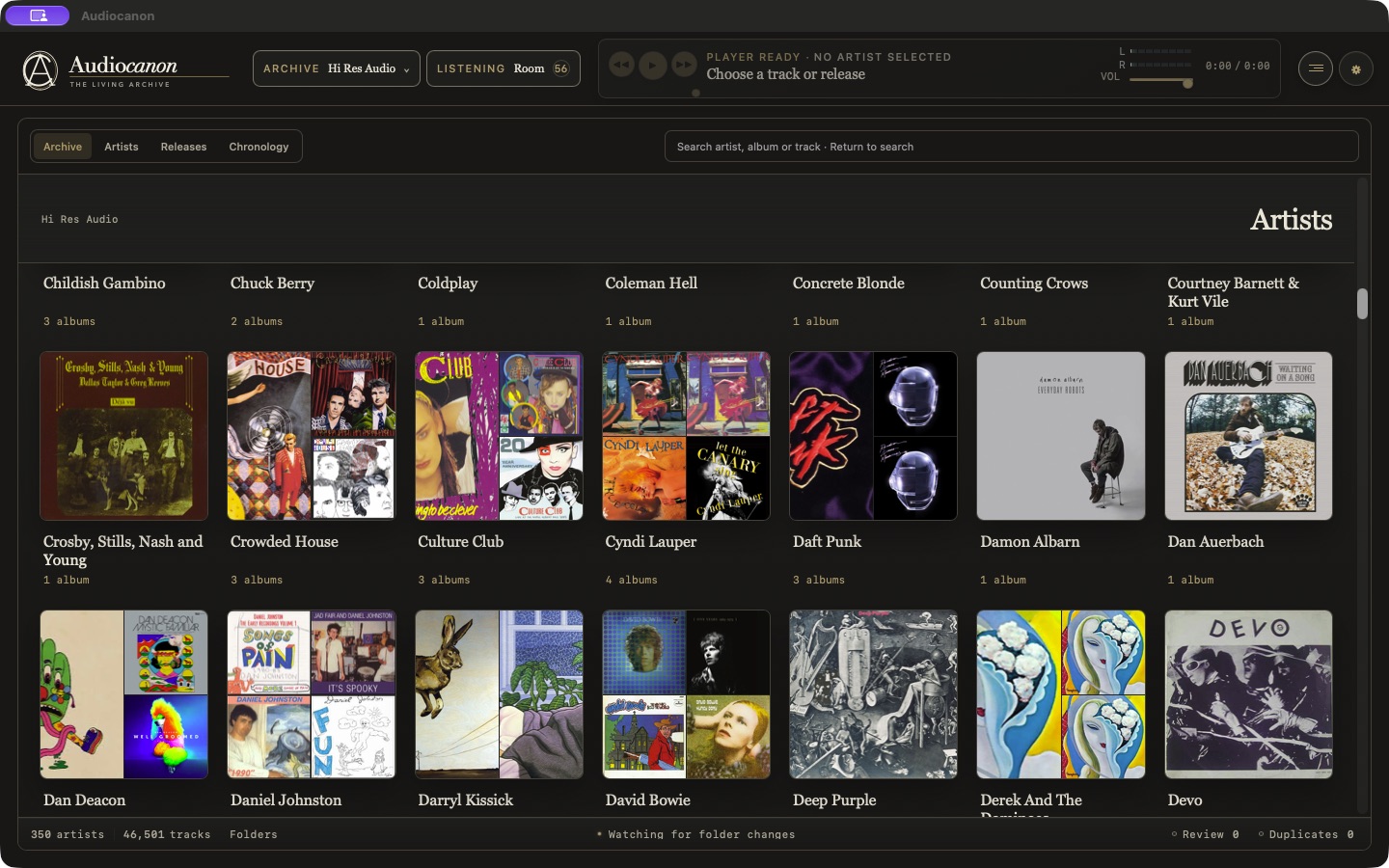
Browsing
Browse a broad music library or spend time with one artist’s catalog. Albums and collections lead to their volumes, versions and tracks.
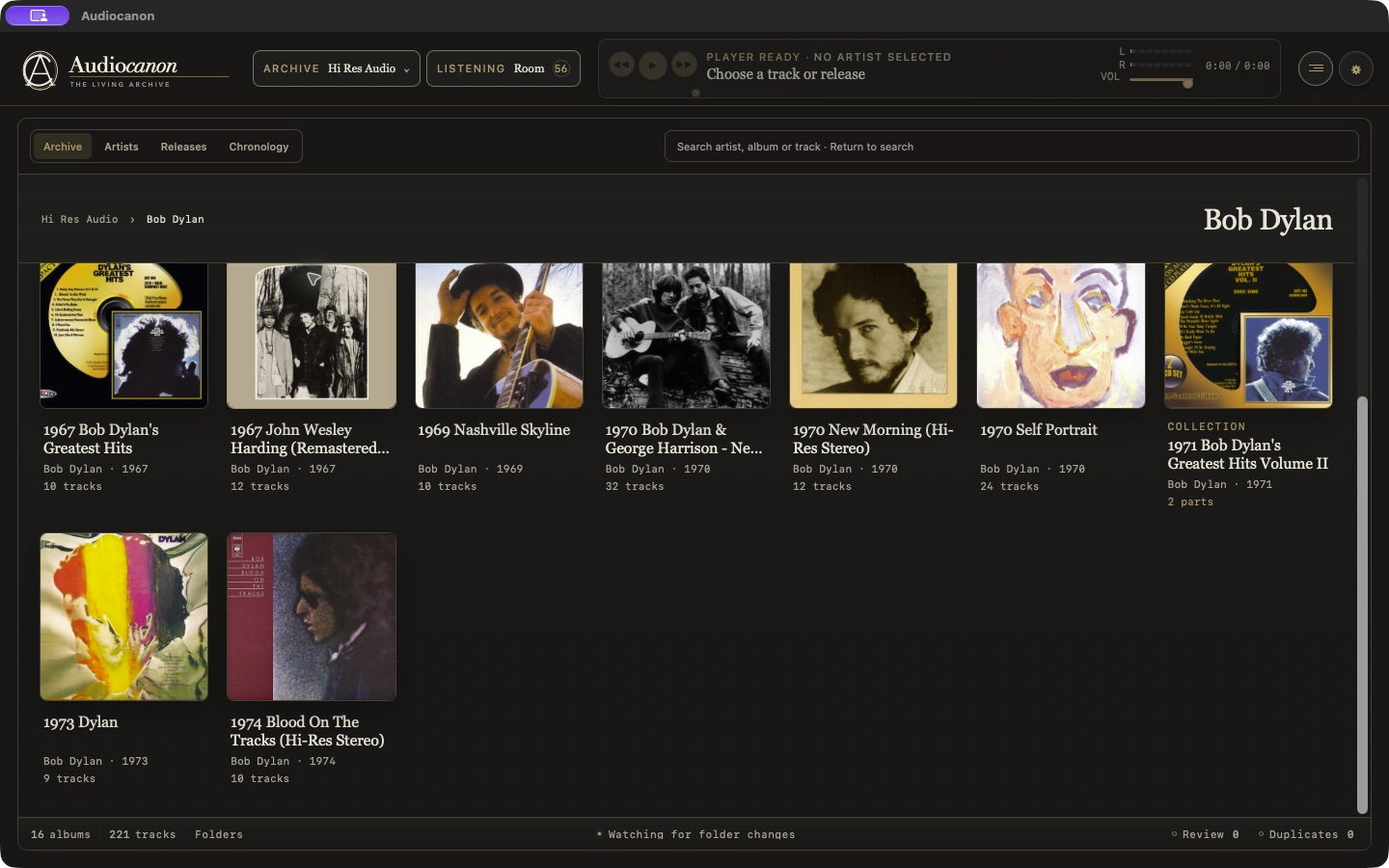
Keep alternate mixes, masters and editions in context, rather than reducing them to repeated album titles.
Find an artist, album or track by name, or revisit recent additions to the collection.
Switch to the folder view when you need to see how the files are stored.
Release details
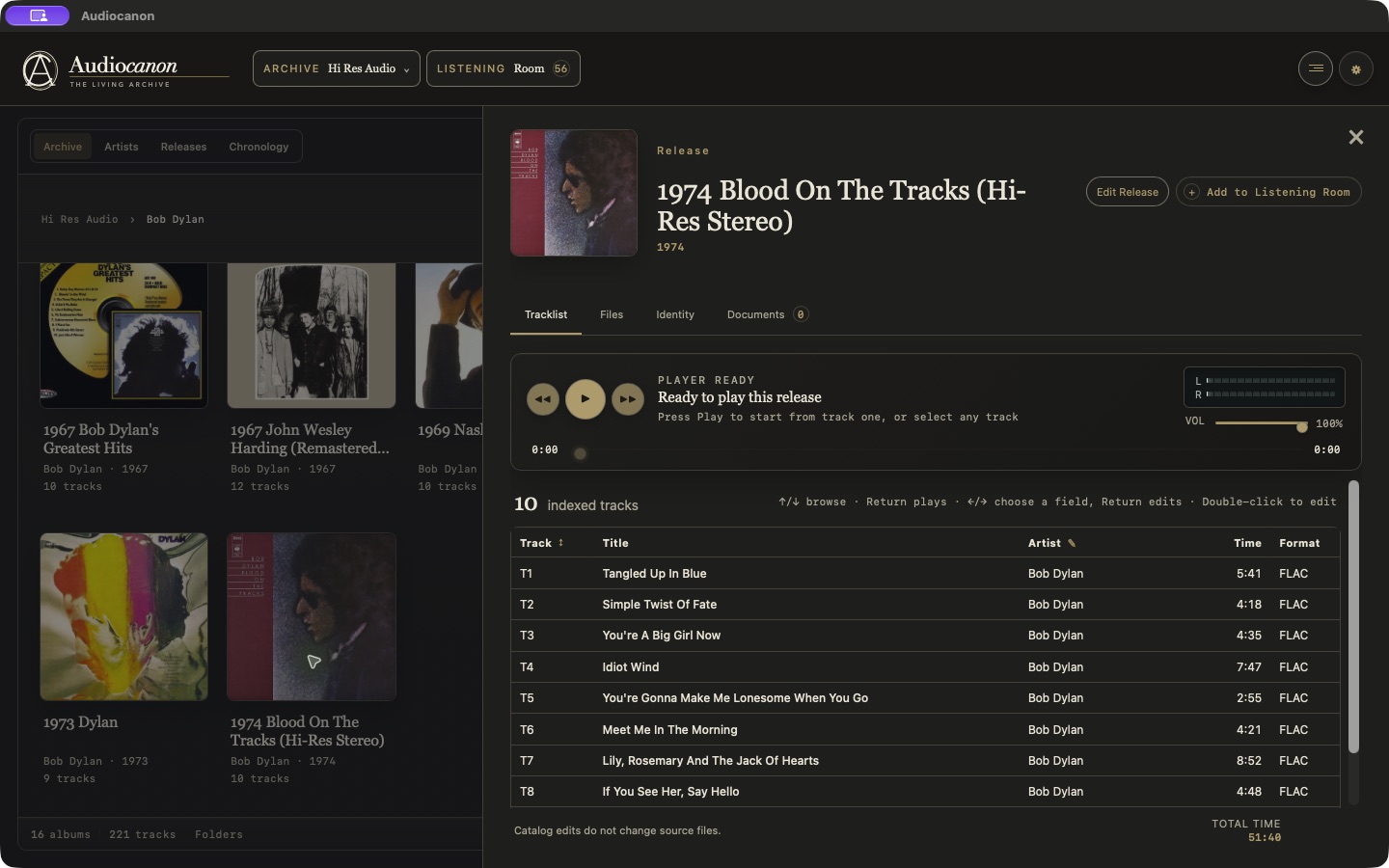
The Release Window brings the cover, tracklist, player, source files and accompanying documents together. Catalog corrections are saved separately from the audio.
Playback
Choose the flexibility of Compatible Mode or use Reference Mode with a supported wired output.
The default for the broadest range of files and devices, with software volume control. Source-rate matching is available when the device supports it.
Uses the source sample rate and a verified exclusive route where available. Software gain stays at unity, with listening level controlled on your DAC or amplifier.
The player reports the route actually in use. Sample-rate matching alone is not a claim of bit-perfect playback.
Library tools
Choose from artwork already with the album, or request online suggestions when you need another cover.
Inspect exact-file matches separately from comparisons that need review. Similar titles alone do not make two albums duplicates.
Correct titles and other details within Audiocanon. Writing changes to source files is a separate, deliberate step.